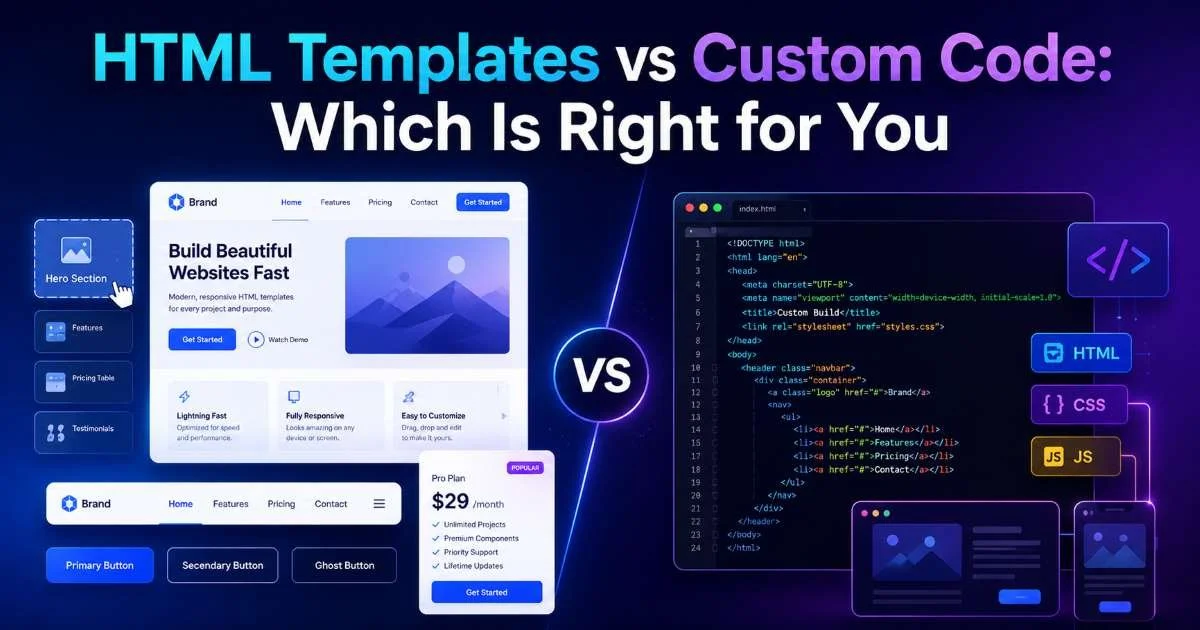
HTML templates have become the default starting point for a growing number of front-end projects, from marketing pages to complex dashboards. But a persistent debate runs through developer forums and Slack channels: should you reach for a pre-built template, or write every line from scratch?
The answer depends on your timeline, your team's skill set, the complexity of the project, and how much long-term control you need over the codebase. Choosing wrong can mean weeks of refactoring or months of reinventing solved problems. This comparison lays out both approaches across four practical dimensions so you can make a grounded decision.
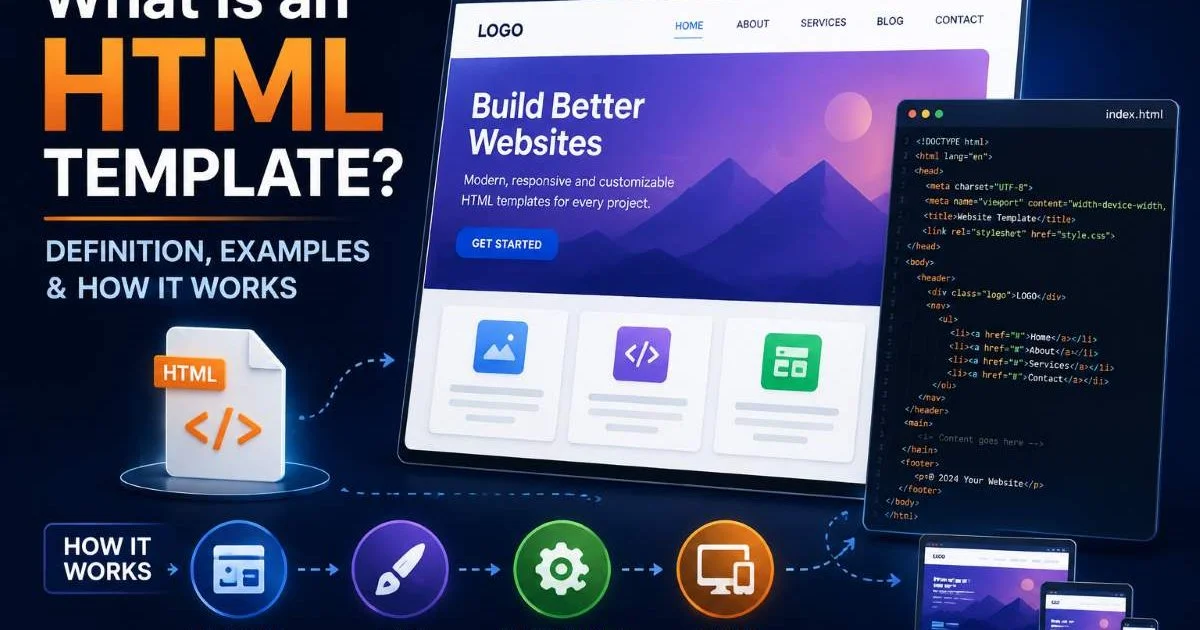
If you need a primer first, our guide on what an HTML template is, with definitions and working examples, covers the fundamentals. Let's get into the head-to-head breakdown.
Key Takeaways
- HTML templates dramatically reduce initial development time for standard project types.
- Custom code gives you full architectural control but demands significantly more hours.
- Templates work best when the design roughly matches your project requirements.
- Custom builds are preferable for highly unique interactions or strict performance budgets.
- Many experienced developers blend both approaches depending on the project phase.
Development Speed and Time to Launch
Templates: Rapid Scaffolding
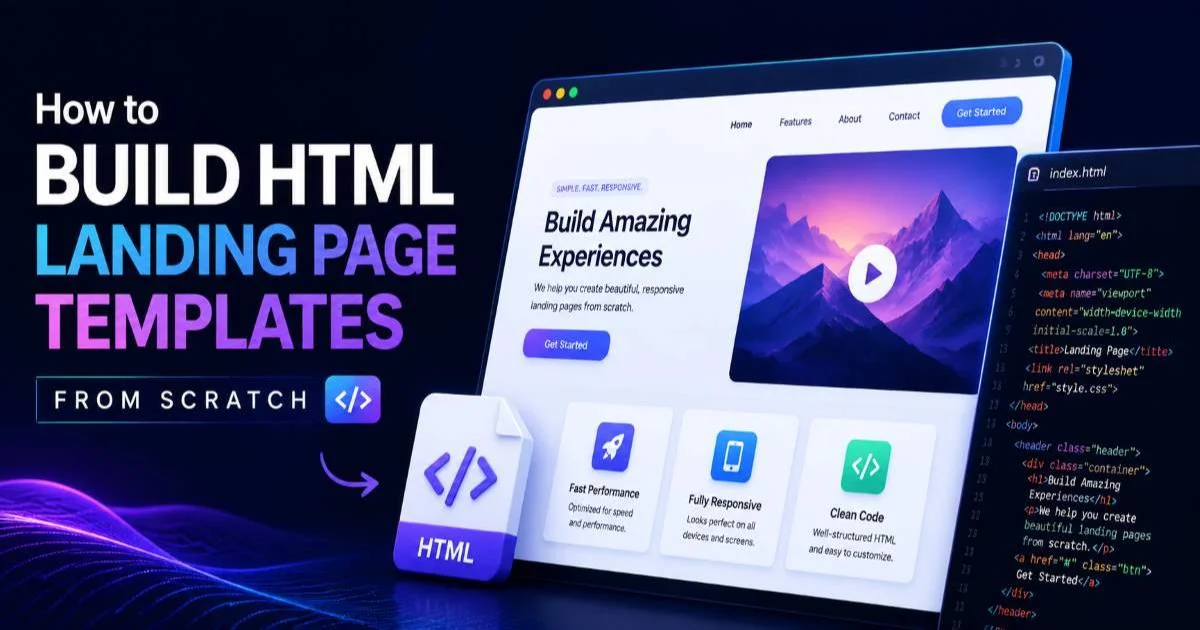
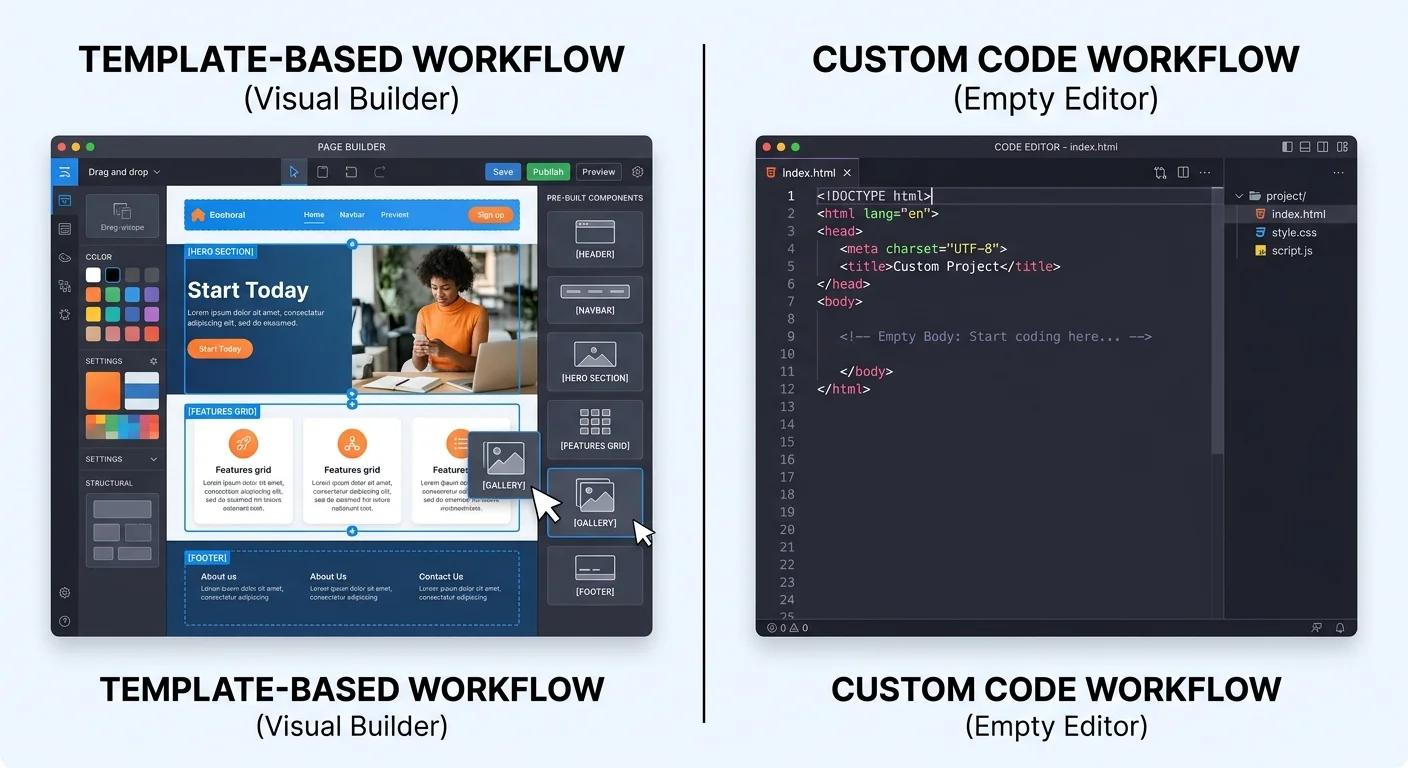
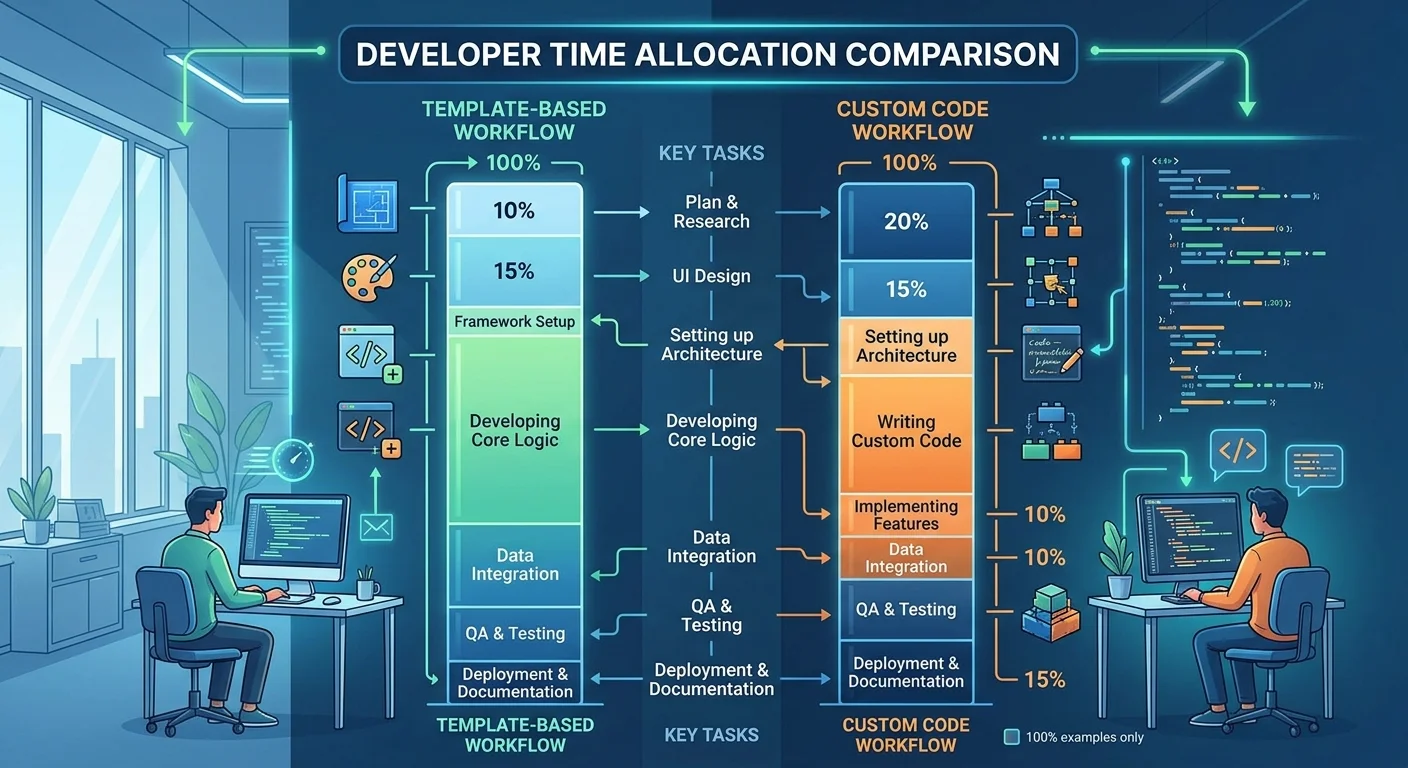
Speed is the single most cited reason developers reach for HTML templates. A well-structured template ships with navigation, grid layouts, responsive breakpoints, and often pre-wired form elements. Instead of spending two days building a header component, you drop in a tested one and move straight to business logic. For landing pages specifically, learning how to build HTML landing page templates from scratch shows just how much structural work a template handles out of the box.
On a recent client project, our team cut the prototyping phase from ten days to three by starting with a dashboard template. The markup was semantic, the CSS was organized with BEM conventions, and the JavaScript was modular enough to swap out. That kind of head start matters when stakeholders want to see working screens within a sprint. Templates give you a functional prototype almost immediately, which keeps feedback loops tight and reduces miscommunication early on.
Custom Code: Deliberate Pacing
Writing everything from scratch means you control the pace but also bear the full weight of it. Every responsive breakpoint, every accessible form label, every animation curve requires deliberate implementation. This is not inherently slower for small, focused projects; a single-page portfolio site might take less time to hand-code than to strip down an overbuilt template. But for anything with more than three or four distinct page types, the hours add up quickly.
Custom code shines when your project has unusual interaction patterns. Think of a data visualization dashboard with custom drag-and-drop interfaces or a product configurator with real-time 3D rendering. No template on earth will give you that for free. The development speed trade-off only makes sense when the project genuinely demands bespoke solutions that templates simply cannot approximate.
If your timeline is under two weeks for a multi-page site, start with a template and customize. You will almost always ship faster.
Flexibility and Long-Term Control
Where Templates Can Constrain
Every template carries opinions. It might use Flexbox where you prefer Grid, or it might rely on jQuery when your stack is vanilla JS. These opinions are fine when they align with yours, but they become friction when they don't. Overriding deeply nested CSS or rewriting JavaScript event handlers to remove a dependency eats into the time you saved during setup. Some developers find themselves fighting the template more than building on top of it.
That said, modern HTML templates have improved significantly. Many now ship as modular component libraries rather than monolithic page files. You pick the header, the card grid, the pricing table, and compose them yourself. This modular approach reduces the "all or nothing" problem that plagued templates five years ago. When choosing HTML templates for small business sites, look for ones that offer component-level modularity rather than rigid full-page layouts.
Always inspect a template's dependency list before committing. Outdated libraries like jQuery 2.x or Bootstrap 3 can introduce security vulnerabilities and bloat.
The Freedom of a Blank File
Starting from an empty index.html file means zero technical debt on day one. You pick your CSS methodology, your naming conventions, your build tools. Every line of code exists because you put it there intentionally. For teams with strong coding standards or projects that need to meet specific compliance requirements (such as AI privacy compliance standards), this level of control is not a luxury; it is a requirement.
Long-term maintenance is where custom code often pays dividends. Two years after launch, when a junior developer joins the team, they will find a codebase shaped entirely by your team's conventions. There are no mysterious utility classes from a template author's personal framework. No unexplained z-index stacking. Every architectural decision is documented or at least traceable through your commit history. That clarity has real value over the lifespan of a product.
"The best codebase is one your future self can navigate without cursing your past self."
Code Quality, Performance, and Accessibility
Auditing Template Output
Template quality varies wildly. A premium template from a reputable source might score 95 or higher on Lighthouse, with proper ARIA labels, semantic HTML5 elements, and optimized asset loading. A free template grabbed from a random GitHub repository might ship with inline styles, div-soup markup, and zero alt attributes on images. You need to audit before you adopt. Running the markup through a reliable HTML code tester should be a non-negotiable first step.
Accessibility is a particular concern. Many templates include visually attractive components that fail basic keyboard navigation tests. Modal dialogs without focus trapping, dropdown menus that require hover (unusable on touch devices), and color contrast ratios that miss WCAG AA thresholds are common issues. If you are building for a client in healthcare, finance, or government, these failures are not just bad practice; they can be legal liabilities.
Never assume a template is accessible. Run automated audits with axe or Lighthouse, then perform manual keyboard and screen reader testing before launch.
Custom Code Performance Edge
When every kilobyte matters, custom code wins. You load exactly what you need. No unused CSS selectors bloating the stylesheet, no JavaScript modules sitting idle. A hand-built landing page can easily come in under 50KB total, while a template-based equivalent might weigh 300KB or more before you even add your own content. For projects targeting users on slow networks or older devices, this difference translates directly into conversion rates.
Performance budgets are easier to enforce in custom codebases because you have full visibility into what is being loaded and why. In template projects, tree-shaking unused components requires understanding the template's internal structure, which is often poorly documented. Some teams spend as much time removing template bloat as they would have spent writing lean code from scratch. This is the hidden cost that template advocates sometimes understate.
Cost and Resource Considerations
The Real Cost of Templates
Free HTML templates cost nothing upfront but can cost plenty in developer hours. Stripping out unwanted sections, replacing placeholder content, fixing responsive bugs on edge-case viewports: these tasks add up. Premium templates, typically priced between $15 and $79, usually offer better documentation, cleaner code, and dedicated support channels. For email campaigns specifically, the collection of free HTML email templates for marketing demonstrates how much value a well-built template delivers at zero cost.
The economic argument for templates is strongest when you are building multiple similar projects. A freelancer who builds five small business websites per quarter can amortize a single premium template across all of them, customizing the color scheme and content while reusing the structural foundation. Agency teams follow the same logic at scale, maintaining an internal library of vetted templates that new projects draw from. This workflow turns templates into a genuine productivity multiplier.
| Project Type | Template Cost (Hours) | Custom Code Cost (Hours) | Recommended Approach |
|---|---|---|---|
| Single landing page | 4 to 8 | 8 to 16 | Template |
| Marketing website (5 to 10 pages) | 20 to 40 | 60 to 120 | Template |
| SaaS dashboard | 40 to 80 | 80 to 200 | Hybrid |
| Custom web application | 60 to 120 (heavy modification) | 100 to 300 | Custom |
| Email campaign set | 2 to 6 | 10 to 20 | Template |
Investing in Custom Development
Custom development is an investment in specificity. You pay more upfront in hours and often in team size, but you get a product that fits your requirements exactly. For startups building a core product, this investment makes sense because the codebase is the product. For an agency building a brochure site with a three-week deadline and a $5,000 budget, custom code is probably an unjustifiable expense when templates exist.
Consider also the hiring angle. Senior developers comfortable with writing production-quality HTML and CSS from scratch command higher rates. If your team is junior-heavy, templates provide guardrails that keep the output consistent and professional. The template acts as both a starting point and a quality floor, preventing the kinds of structural mistakes that less experienced developers tend to make when working without a reference implementation.
For hybrid projects, use a template for structural components like navigation and footers, then write custom code for unique interactive features.
Frequently Asked Questions
?How do I strip down an overbuilt HTML template without breaking it?
?When does blending templates with custom code actually make sense?
?Is the time saved by HTML templates worth the potential refactoring cost?
?Do HTML templates from third parties usually meet accessibility standards?
Final Thoughts
The templates versus custom code debate is not really a binary choice. Most experienced front-end developers treat it as a spectrum, selecting the right approach for each project based on timeline, budget, complexity, and long-term ownership requirements.
HTML templates are the smart pick for standard website patterns, marketing pages, and email campaigns where speed and cost efficiency matter most. Custom code is the right call when your project demands unique interactions, strict performance budgets, or complete architectural control. Whichever path you choose, audit your code rigorously, test across devices, and build with maintainability in mind from day one.
Disclaimer: Portions of this content may have been generated using AI tools to enhance clarity and brevity. While reviewed by a human, independent verification is encouraged.