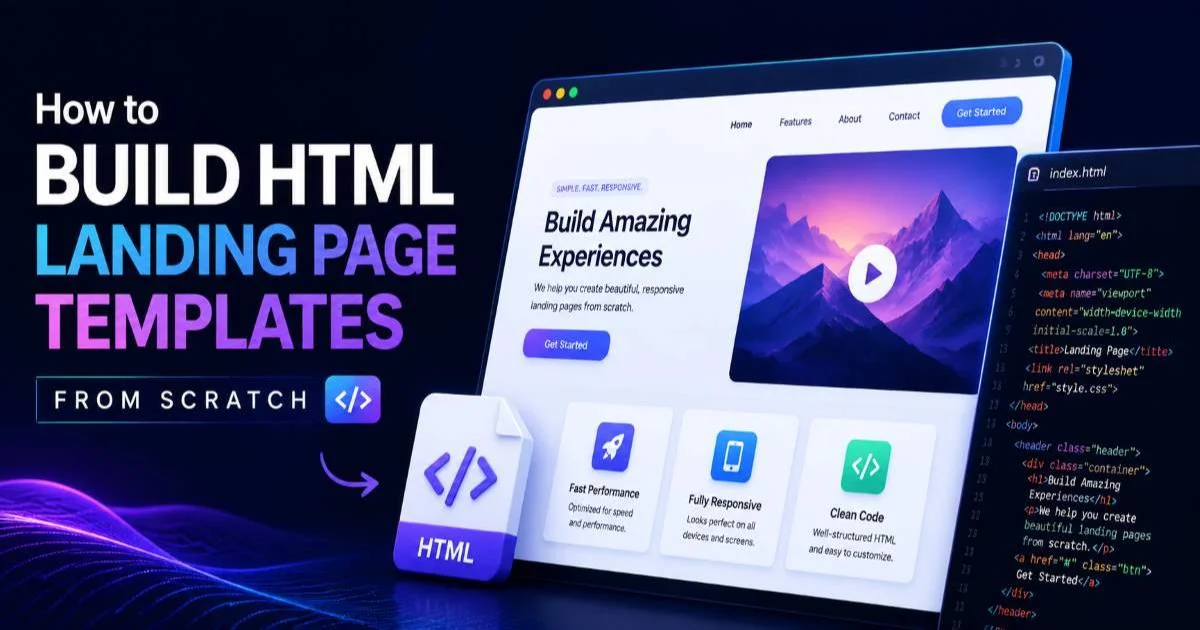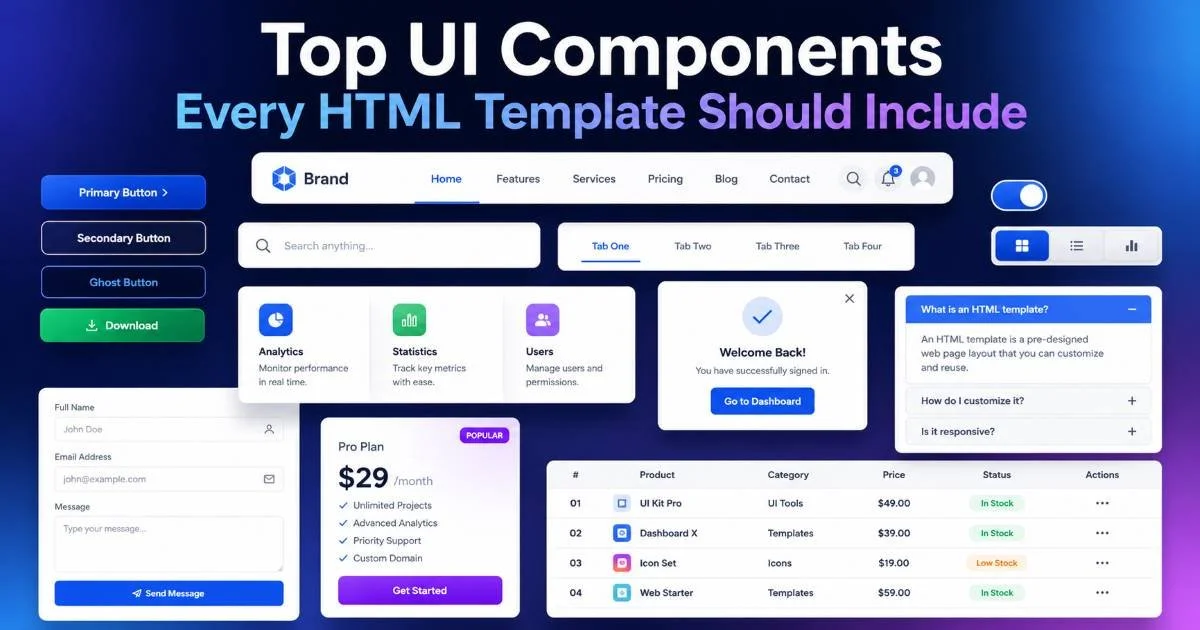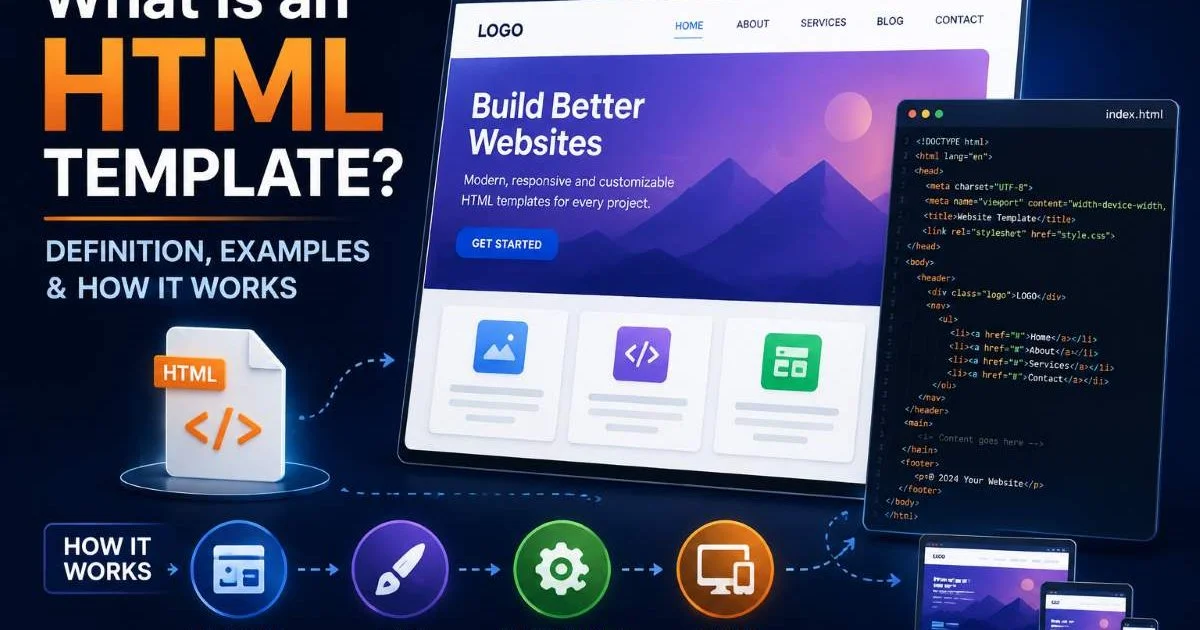
HTML templates for websites are pre-built, structured code files that give developers a head start when creating web pages, email layouts, and interactive UI components.
Rather than writing every div, class, and media query from scratch, a template provides a tested foundation you can customize for specific projects. This matters because front-end development timelines keep shrinking while design expectations keep rising. The gap between what clients want and what developers can reasonably build in a sprint often comes down to starting materials.
A well-constructed template handles boilerplate markup, responsive grids, and accessibility basics so you can focus on business logic and visual polish. For front-end web developers, understanding how templates work (and when to use them) is a practical skill that directly affects productivity. This article breaks down what HTML templates actually are, how they function, where they fit, and what mistakes to avoid.
Key Takeaways
- HTML templates provide pre-structured markup that accelerates development across multiple project types.
- Reusable UI components reduce code duplication and keep design systems consistent across pages.
- Landing page and email templates require fundamentally different coding approaches and constraints.
- Dashboard layouts benefit most from modular, grid-based template architecture with swappable widgets.
- Always audit template code for security vulnerabilities and outdated dependencies before production use.
How HTML Templates Work
The Template Element and Slots
At the most basic level, an HTML template is a chunk of markup that the browser parses but does not render until explicitly told to. The native <template> element in HTML5 holds inert DOM content. JavaScript clones that content, populates it with data, and injects it into the live document. This pattern drives everything from simple card grids to complex single-page application views.
Slots extend this idea. When you combine <template> with Web Components and Shadow DOM, named slots let consumers inject custom content into predefined positions. Think of a product card design where the image, title, and price each have a slot. The template defines layout and styling; the consuming code fills in the specifics. This separation of structure and content is what makes reusable UI components genuinely reusable rather than just copy-pasted.
Use the content property of the template element to clone nodes, not innerHTML, to preserve event listeners and avoid reparsing costs.
Static vs. Dynamic Templates
Static templates are plain HTML files with placeholder text and images. You download one, open it in your editor, replace the dummy content, and deploy. These work well for simple marketing pages and prototypes. Dynamic templates, by contrast, are designed to be populated at runtime through template literals, a templating engine like Handlebars or Nunjucks, or a framework's component system. The choice depends on project complexity and team workflow.
Most production-grade HTML templates for websites blend both approaches. The outer shell (navigation, footer, meta tags) stays static, while inner sections like content grids and data tables render dynamically. Understanding where to draw that line helps you avoid over-engineering simple projects or under-engineering complex ones. Coding skills across HTML, CSS, and JavaScript all come into play here, making template development a genuinely full-spectrum front-end activity.
Use Cases and Why They Matter
Landing Pages and Marketing Sites
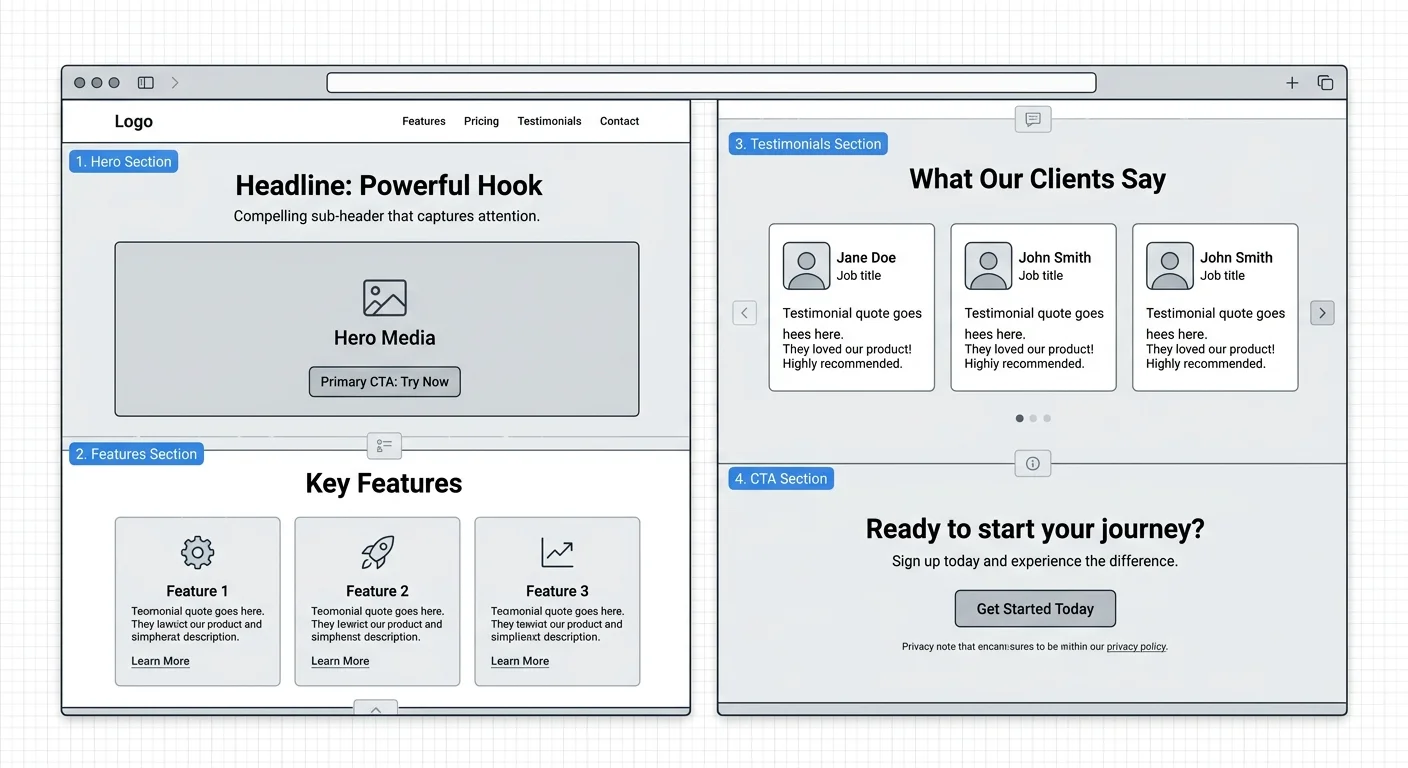
A landing page HTML template typically includes a hero section, feature blocks, testimonial areas, a call-to-action form, and a footer. The markup is optimized for fast loading and conversion. Good templates ship with semantic HTML, structured data hints, and responsive breakpoints already configured. For developers who support marketing teams, having a library of vetted landing page templates can cut turnaround from days to hours.
The real value shows up in A/B testing scenarios. When you have a modular template, swapping a hero layout or changing a CTA button placement is a matter of editing one section, not refactoring an entire page. Marketing velocity depends on this kind of flexibility. Templates also enforce visual consistency, which matters when a brand runs dozens of campaign-specific pages simultaneously. You can explore practical options on htmltemplate.dev to see how modern landing page structures are organized.
Emails, Dashboards, and Product Cards
HTML email templates operate under a completely different set of rules. Email clients like Outlook still rely on the Word rendering engine, which means you are writing table-based layouts with inline styles. CSS Grid and Flexbox are mostly off-limits. A well-built email template handles these quirks upfront, giving you a reliable baseline that renders consistently across Gmail, Apple Mail, Outlook, and Yahoo. Testing tools like Litmus and Email on Acid help verify rendering, but starting from a tested template saves enormous debugging time.
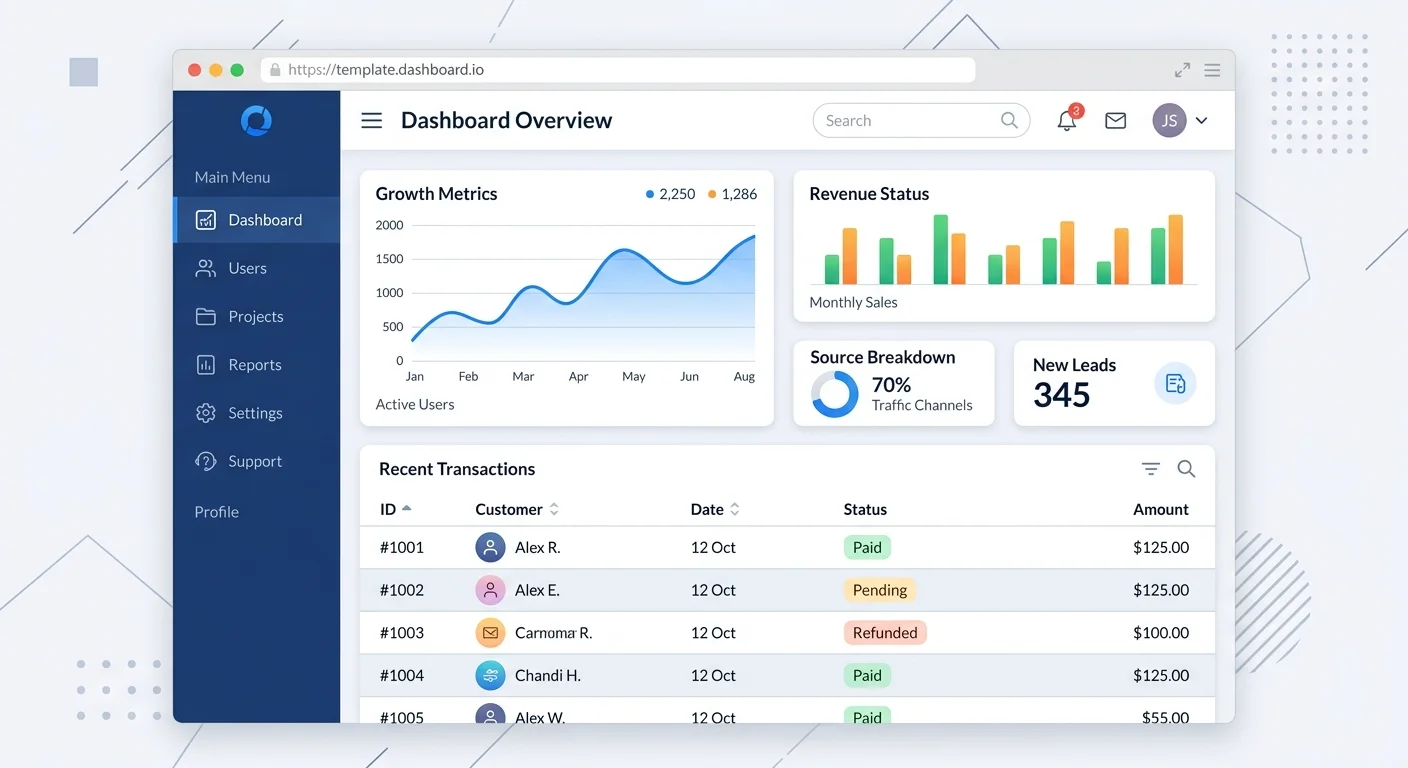
Dashboard HTML layout templates serve internal tools, analytics platforms, and admin panels. They typically feature sidebar navigation, header bars, content grids with chart placeholders, and data table regions. The best dashboard templates use CSS Grid or Flexbox for the outer frame and leave widget areas flexible enough to accept any charting library. Product card design templates, meanwhile, focus on compact, repeatable units: an image, a title, a price, a rating badge, and an action button. These cards often live inside larger grid systems and must maintain visual integrity at varying content lengths.
Never assume a web template will work as an email template. Email rendering engines ignore most modern CSS properties, and the result will break in unpredictable ways.
Common Misconceptions
Templates Are Not Finished Products
The most persistent misconception is that downloading a template means the work is done. In reality, a template is a starting point. You still need to customize the content, optimize images, audit accessibility, configure forms for your backend, and test across devices. Skipping these steps leads to generic-looking sites with broken functionality. Templates reduce boilerplate work; they do not eliminate the need for development expertise. Treating them as finished products is a recipe for technical debt.
Security is another overlooked area. Templates sourced from free repositories sometimes include outdated jQuery versions, insecure CDN links, or inline scripts with vulnerabilities. Before pushing any template-based project to production, run a website security scan to identify SSL issues and other weaknesses. Auditing third-party code is not optional, regardless of how polished the template looks in a browser preview. Front-end security starts at the markup level.
Always inspect third-party template code for obfuscated scripts, hidden iframes, or external resource calls that could introduce security risks.
Reusable Does Not Mean Universal
Another common mistake is believing that reusable UI components work identically in every context. A card component designed for an e-commerce grid will not automatically fit inside a dashboard sidebar without modifications. Spacing, typography scale, color tokens, and interaction patterns all differ between contexts. Reusability means the component's core structure transfers well, but you should always plan for context-specific overrides through CSS custom properties or modifier classes.
Similarly, responsive behavior varies. A three-column product grid that collapses gracefully on mobile might not behave the same way when nested inside a dashboard's main content area, where the sidebar already consumes significant viewport width. Testing reusable components in their actual deployment contexts (not just in isolation) is the only way to catch these issues early. HTML templates for websites work best when treated as living code, not frozen artifacts.
"A template is a starting point, not a shortcut. The development skill lies in what you do after the boilerplate is in place."
Related Concepts and How They Connect
Templates vs. Frameworks vs. Design Systems
HTML templates, CSS frameworks, and design systems overlap but serve different purposes. A template is a specific page or component layout. A CSS framework like Bootstrap or Tailwind provides utility classes and pre-styled elements that templates often build upon. A design system is an organizational standard that defines tokens, patterns, and guidelines governing how templates and components should be constructed. Understanding this hierarchy helps you pick the right tool for the right job.
When a project already uses a design system, templates should conform to its tokens and conventions. When no design system exists, a good set of HTML templates for websites can serve as a de facto standard, especially for smaller teams. Over time, the patterns in your most-used templates naturally evolve into a lightweight design system. This bottom-up approach works well for agencies and freelancers who handle diverse clients with varying brand requirements.
| Template Type | Layout Method | JavaScript Required | Primary Use Case |
|---|---|---|---|
| Landing Page | Flexbox / CSS Grid | Optional | Marketing campaigns |
| HTML Tables | No | Newsletters, transactional | |
| Dashboard | CSS Grid | Yes | Admin panels, analytics |
| Product Card | Flexbox | Optional | E-commerce, listings |
| Form | Flexbox / Grid | Yes | Data collection, signups |
| Full Website | Mixed | Yes | Multi-page sites, portfolios |
Where Builders and Hand-Coding Meet
Visual website builders and hand-coded templates are not mutually exclusive. Many developers use a builder to prototype layout ideas, then export or recreate the markup in clean, production-ready HTML. Others prefer the opposite: start with a hand-coded template and use a builder for content editing after launch. If you are evaluating builder options, this comparison of HTML website builders covers the current landscape well.
The key distinction is control. Builders optimize for speed and accessibility for non-developers. Hand-coded templates optimize for performance, semantic accuracy, and long-term maintainability. Professional front-end developers often find the sweet spot by using templates as the structural foundation and selectively introducing builder tools for content management. This hybrid approach respects both developer standards and the practical reality that content teams need to update pages without filing pull requests.
Store your most-used template patterns in a private snippet library or Git repository so they are instantly available across projects without searching external marketplaces.
Frequently Asked Questions
?How do I clone a template element without losing event listeners?
?How are landing page templates different from email templates?
?How long does customizing an HTML template actually take vs. building from scratch?
?Does using a pre-built template mean my site will look generic?
Final Thoughts
HTML templates for websites sit at the intersection of efficiency and craftsmanship. They handle the repetitive structural work so you can invest your energy where it matters most: unique interactions, performance optimization, and user experience refinements.
The best templates are modular, well-documented, and built with accessibility and security in mind from the start. Whether you are assembling a landing page HTML template for a product launch or wiring up a dashboard for an internal tool, the template is your foundation.
Build on it wisely, audit it thoroughly, and treat it as living code that evolves alongside your projects.
Disclaimer: Portions of this content may have been generated using AI tools to enhance clarity and brevity. While reviewed by a human, independent verification is encouraged.